
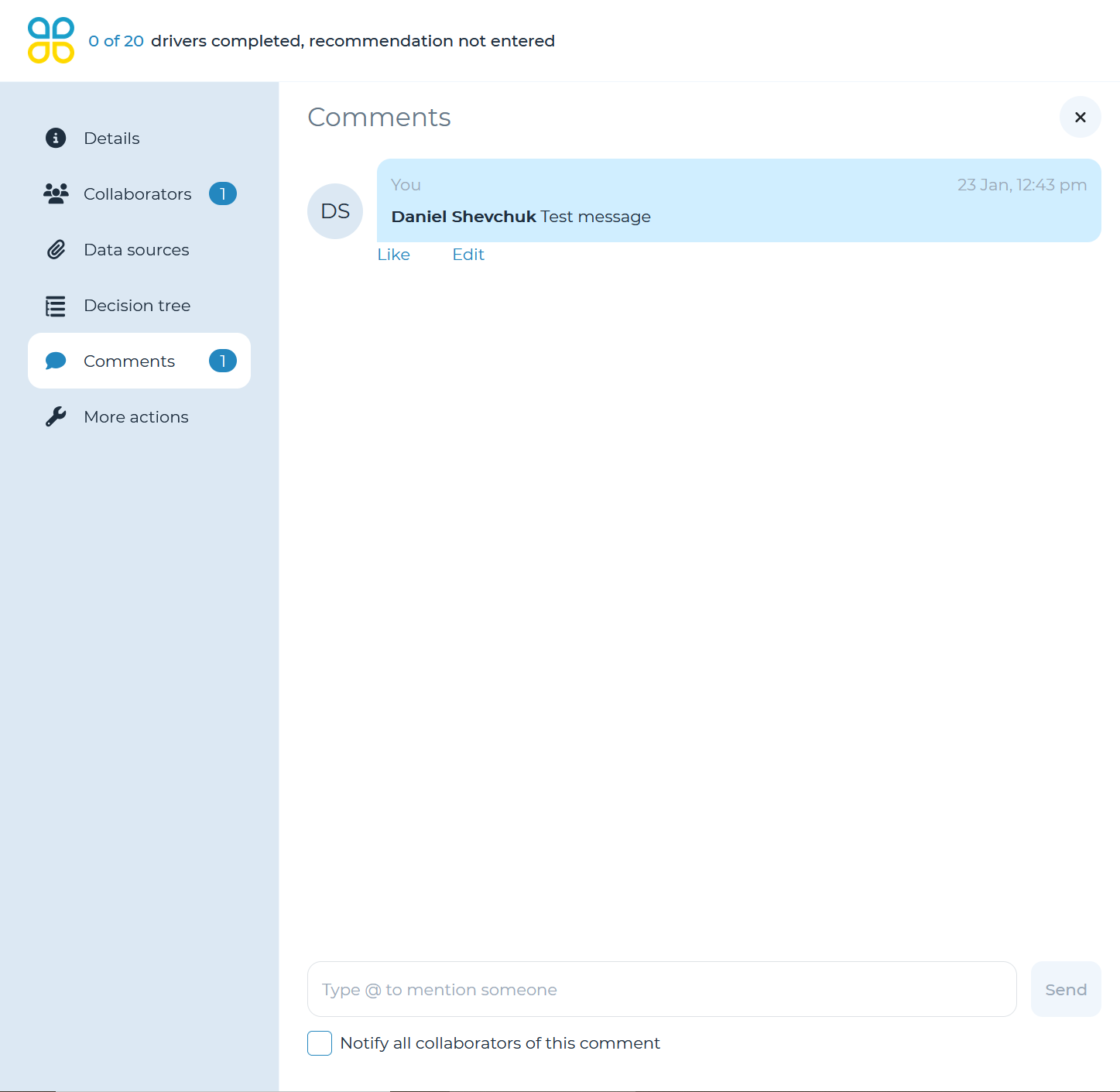
Cloverpop allows you to centralize your communication across teams when collaborating on a decision via comments. Cloverpop has centralized this capability within the decision tree collaboration module.
Comments can be entered in two places:
- Decision Tree: click ‘Comments’ on the left-side navigation panel to enter comments on the decision tree. You may tag a team member by mentioning ‘@ [Team Member].’ Team members who are mentioned will receive notifications per their default profile settings. You also have the option to check a box to notify all collaborators on the decision of this comment as relevant.
- Driver: scroll to the bottom of an assigned driver and click ‘Add comments’ to enter comments on a driver. You may tag a team member by mentioning ‘@ [Team Member].’ To notify ALL collaborators of this comment, you may check the box at the decision tree level before clicking ‘Send.’ Team members will receive notifications for this comment per their default profile settings as relevant.