
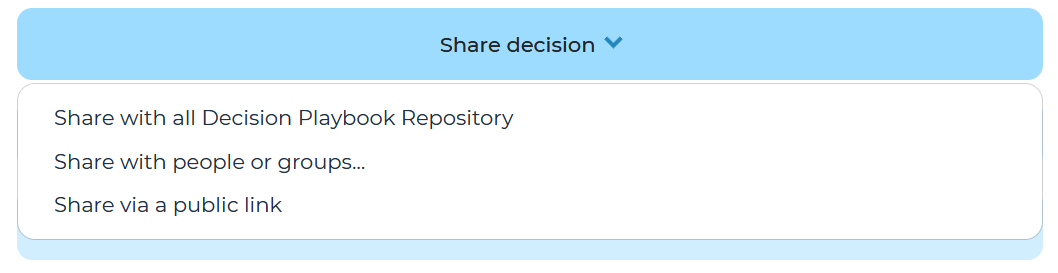
To share a decision, navigate to ‘More actions’ and click ‘Share decision’ and choose from the drop down options to to share. When you share a decision you are granting these users read only access to view the content of the decision. There are 4 sharing options:
- Share with the entire organization: shares with all Cloverpop users in your company
- Share with people or groups: allows you to select the Cloverpop accounts you want to share with
- Share via a public link: Copies a link to the decision which can be shared, anyone with this link can view the decision. Note: if you click this again it will turn the public link off.