
Approvals
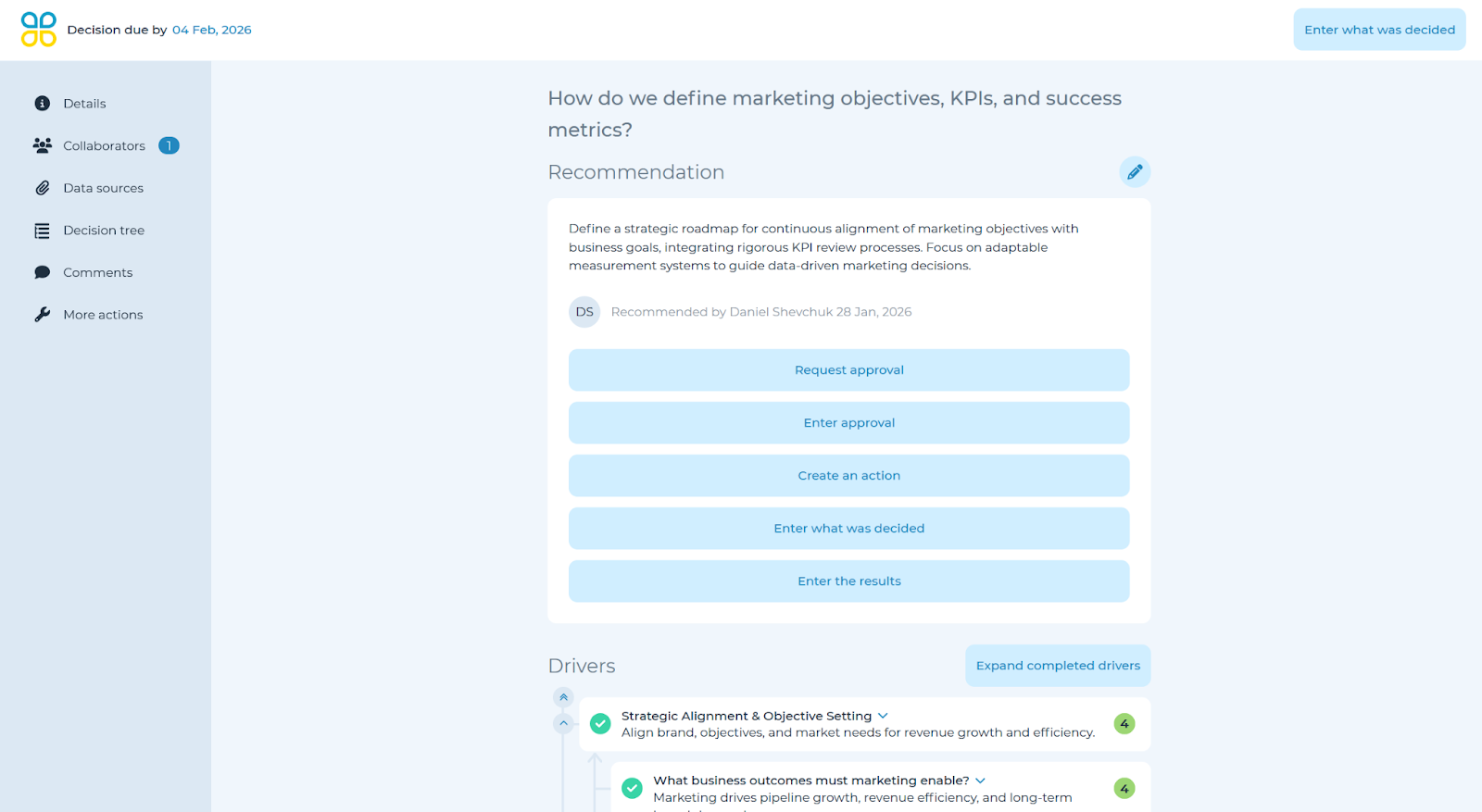
After a decision or recommendation has been entered, you have two options for approvals:
- Request approval: enter the name, group or email address of the team member(s) who need to approve this decision. Include ‘Notification comments’ to be sent via automated email to each approver.
- Enter approval: Select ‘Yes’ or ‘No’ to indicate if the decision is approved and include notes, explanation or who approved within the ‘Notes’ box. Click ‘Done.’
Rate buy-in
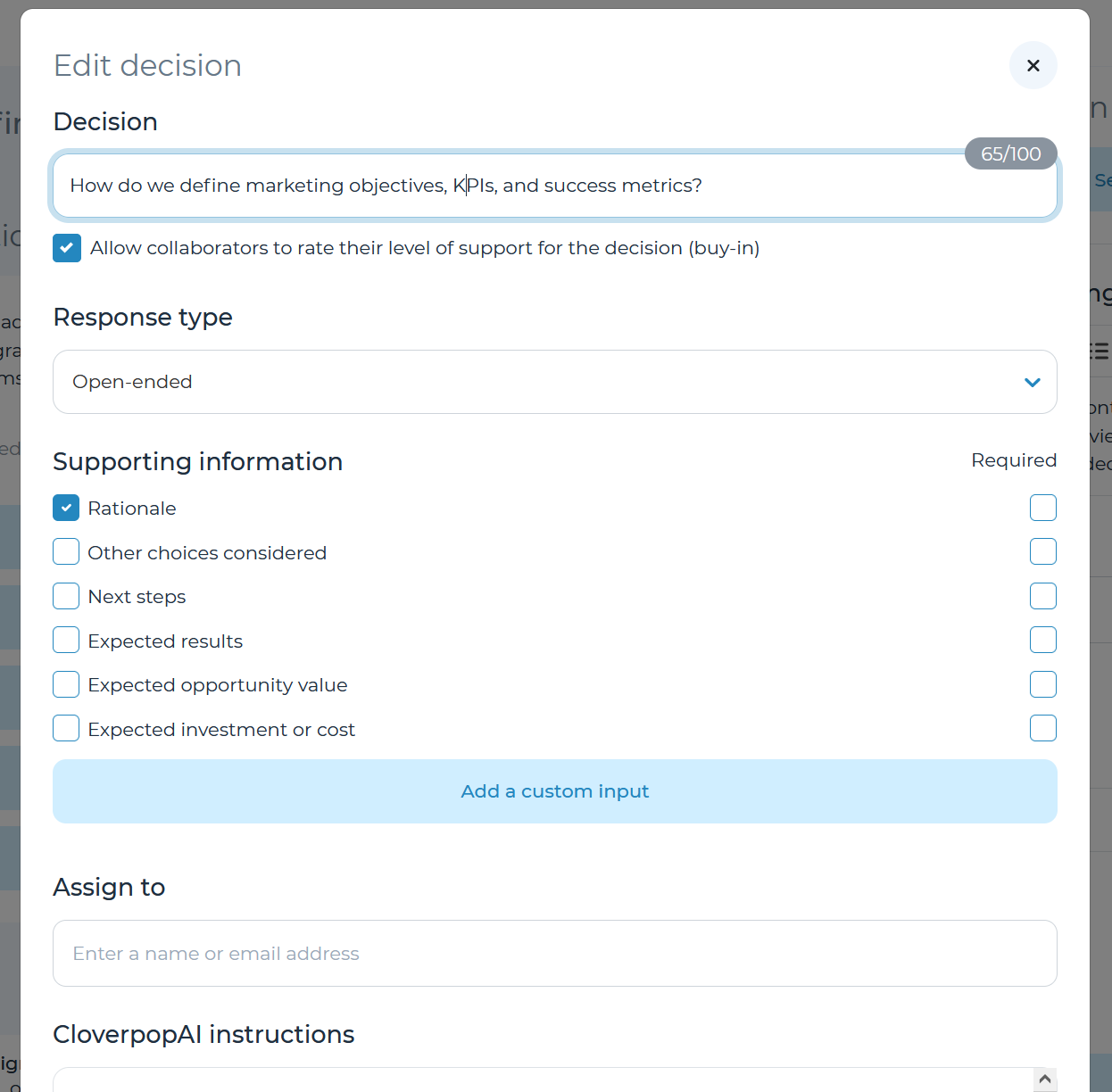
If the decision manager has enabled the option to ask team members to rate their level of support—which can be done from the ‘Edit decision’ dropdown arrow within the edit recommendation / decision panel—click ‘Rate your level of support’ and select the likelihood of your support for this decision going forward (1–5; not at all likely–extremely likely). Include comments to explain your level of support.
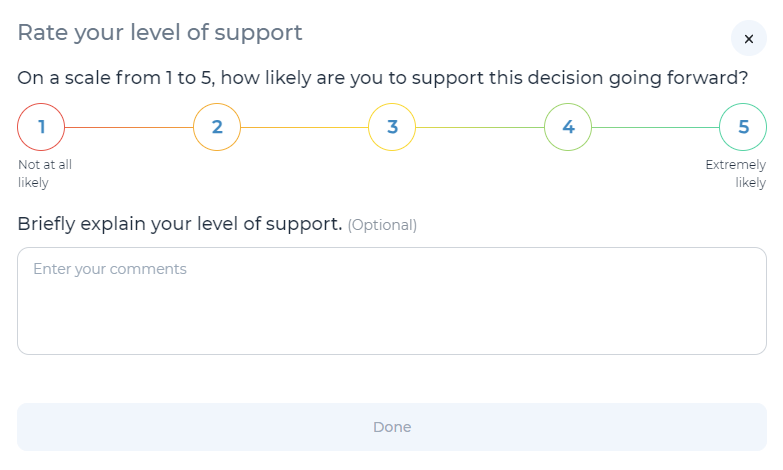
After making a decision / recommendation, submitting approvals, and rating buy-in, you are ready to follow up. Please refer to Enter results, actions taken, & follow-up date in the user manual for next steps.