
Decision Page
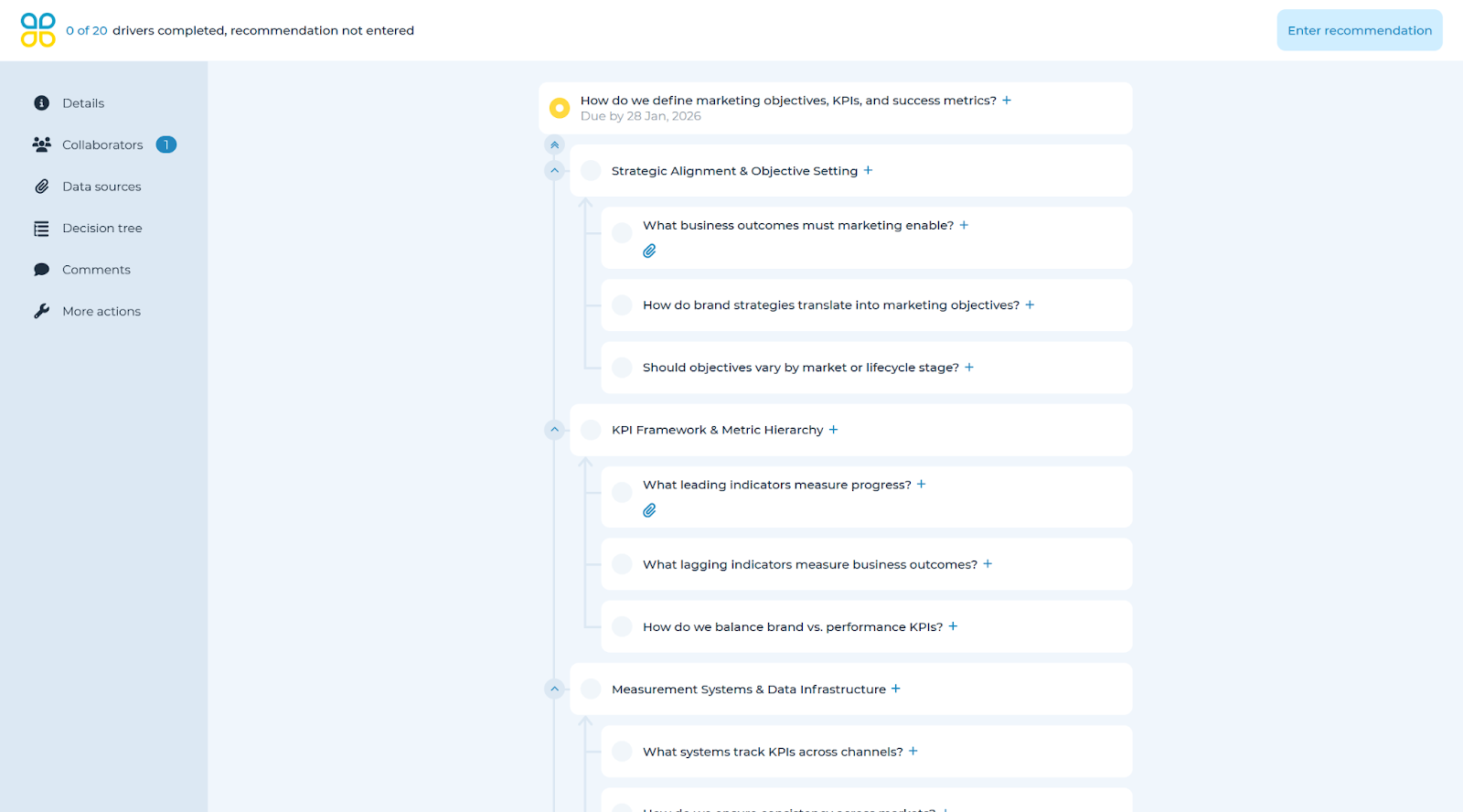
After creation, you can view the decision. From the left panel, you can assign collaborators, add due dates, add notes, and attach documents to specific decision tree drivers.
To assign collaborators, select the ‘Collaborators’ tab where you will be able to choose from people in a dropdown list which includes everyone in your organization with a Cloverpop account. When a collaborator is added, the decision will appear in their decision center.
To create a new account on Cloverpop, please contact a system admin or your Cloverpop team, or email support at [email protected]
Details
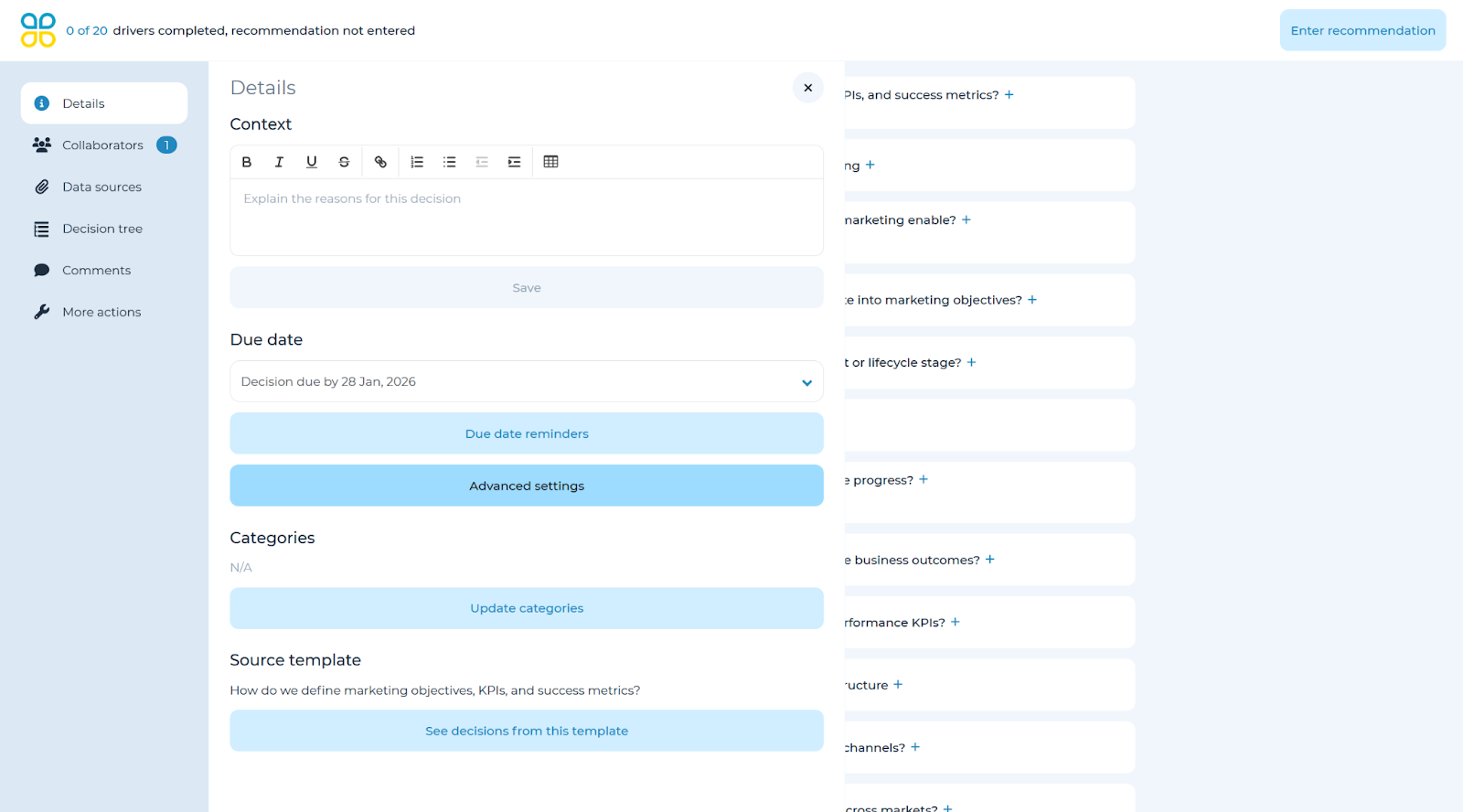
On the left-side, click on ‘Details’ to see the pullout screen where you can enter or edit additional decision level data, including Context, Due Dates, Categories, and Data sources.
To learn how to collaborate and contribute to an existing tree, please refer to the ‘Contribute to the existing decision’ section of the user manual.