
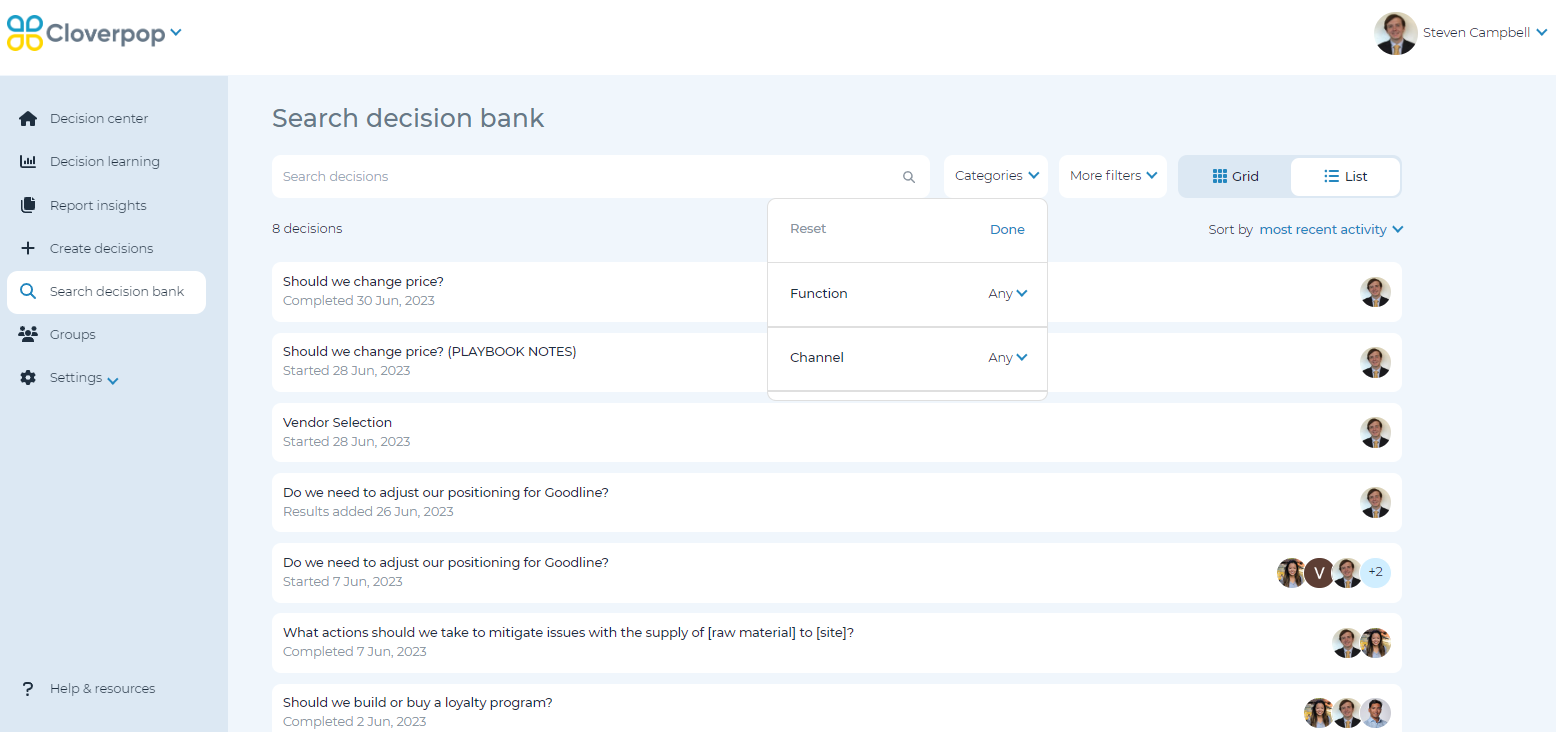
The decision bank is your library of all completed and in-flight decisions. You may use the default grid view or switch to a list view of the decisions.
You can use the search bar to find a decision. You can search by any of the text within a decision including the decision name, collaborators, and specific drivers.
You can also filter for decisions by category tags. To adjust the category tags in a specific decision, refer to Edit Decision Details. Cloverpop admins can adjust default and required category tags by template, and add, edit or delete categories across your Cloverpop instance.