
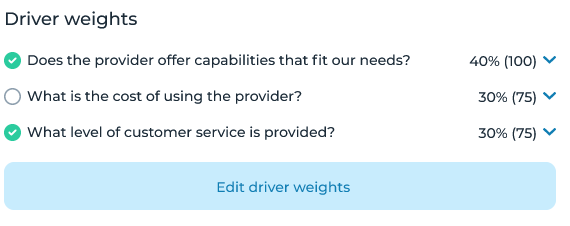
Once you have set up ratings & weights and configured answer types for each driver, you can adjust the weight of each driver.
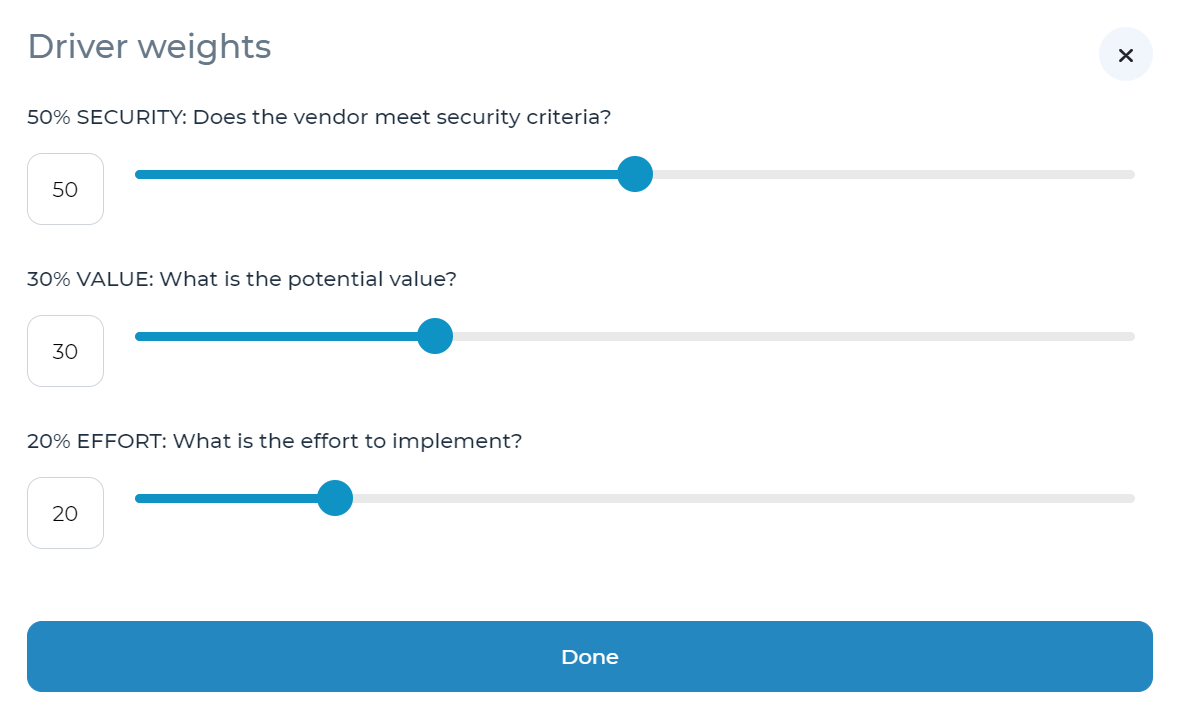
To access the pop-up window pictured above, click the ‘Ratings & Weights’ link in the left-side navigation menu and select ‘Edit driver weights’ at the bottom of the pop-up window.
Driver weights can be assigned as whole numbers between 0-100. Please note that if the sum of the driver weights is not equal to 100, Cloverpop will calculate weights as the ratio of each driver’s weight compared to the sum of all driver weights. (e.g., if four drivers each have a weight of ‘40’, the weight assigned will be 25% each).
Once you have finished assigning weights to each driver, click ‘Done.’
Refer to the ‘Answer questions’ section of the user manual for more details on how to utilize Ratings & Weights.