
To share templates with your teammates, first preview the template that you would like to share from the ‘Templates’ page.
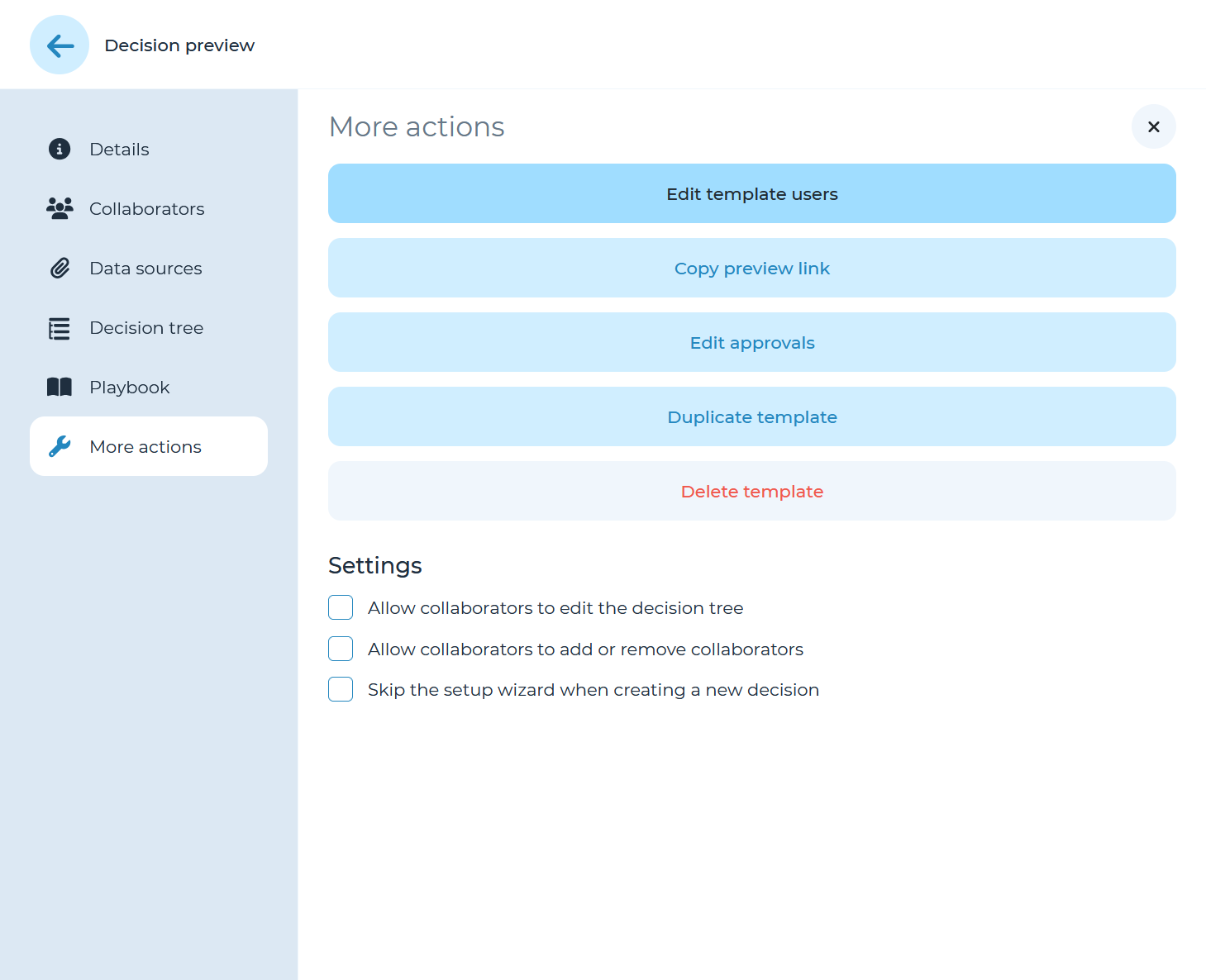
Next, open the ‘More actions’ panel from the left-hand menu and click on ‘Edit template users.’
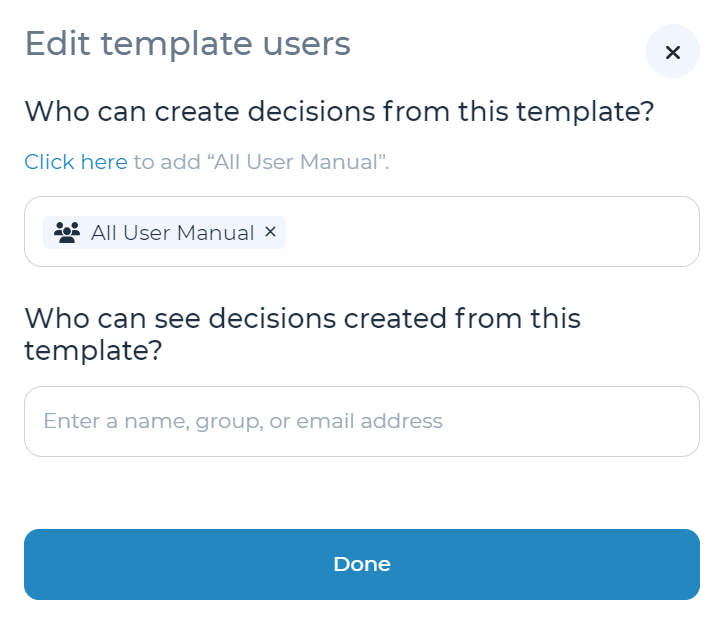
By default, ALL team members with access to the instance will be able to see the template. This setting can be changed in the ‘Who can create decisions from this template’ section.
‘Who can see decisions created from this template?’ allows you to enter default groups or select the entire organization of users to share read only access to decisions started from this template as a default setting. Sharing settings for a specific decision can also be adjusted after a new decision is launched.
Refer to the ‘Editing existing templates’ section of the user manual for more details on how to update templates.