
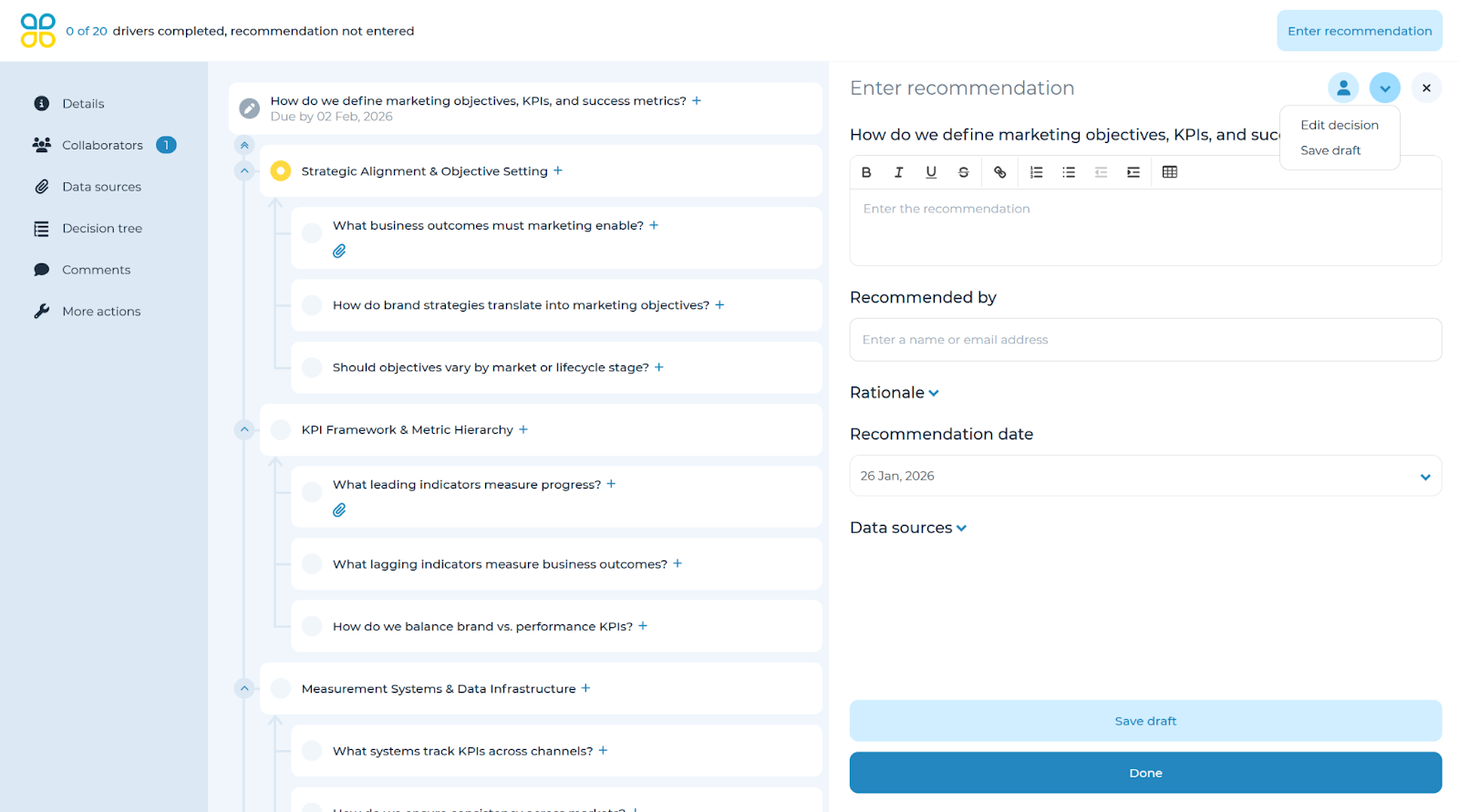
To change the decision type or decision choices, first open the panel for the overarching decision question, then open the down arrow dropdown in the top right corner and select ‘Edit decision’.
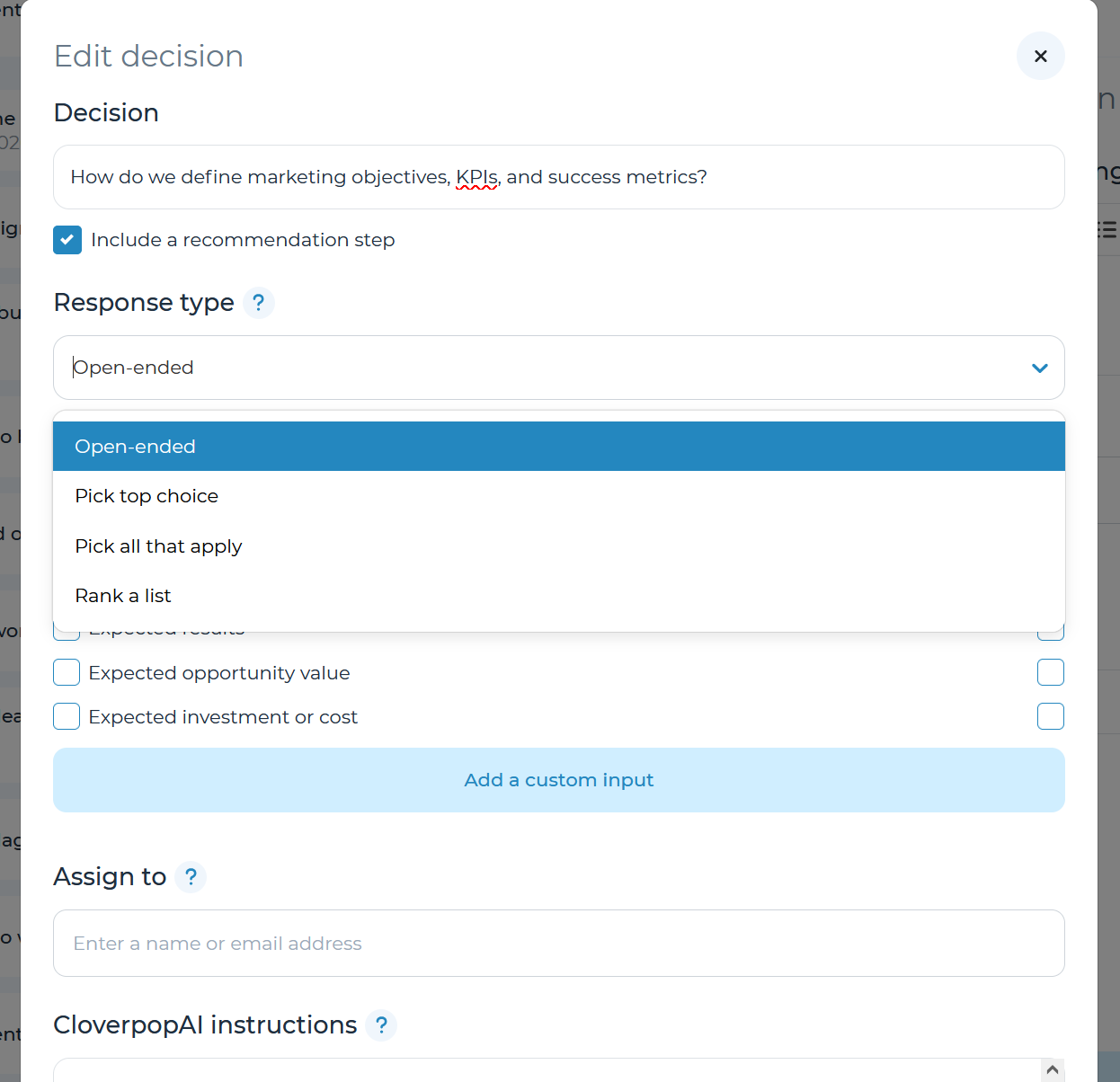
Under the ‘Response type’ option, there is a dropdown containing four options to capture responses. Select the type of response for this decision:
- Open-ended
- Pick a top choice
- Pick all that apply
- Rank a list
If you select Pick a top choice, Pick all that apply, or Rank a List, you can rate and compare choices by driver by using Cloverpop’s ratings & weights function. To learn more about how to use ratings & weights, refer to the Ratings & weights section of the user manual. If you select Open-ended, decision collaborators can enter any text based response they wish as relevant.