
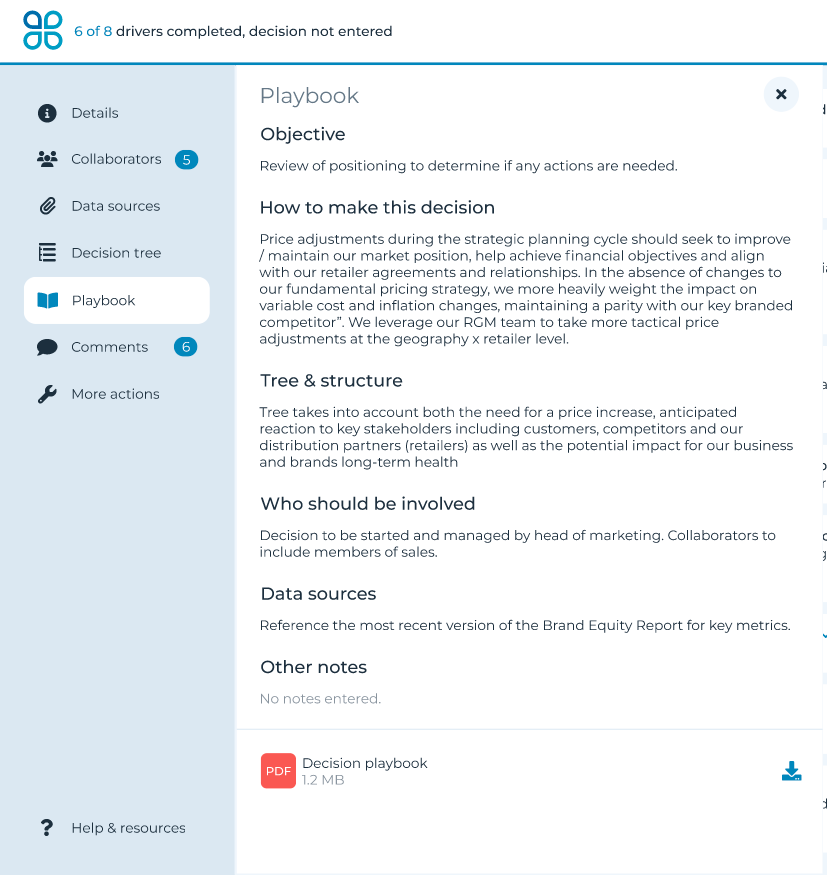
To populate playbook notes, click ‘Playbook’ on the left side navigation menu and click the pencil icon to edit. Type the instructions that you wish to see reflected in the following areas:
How to make this decision
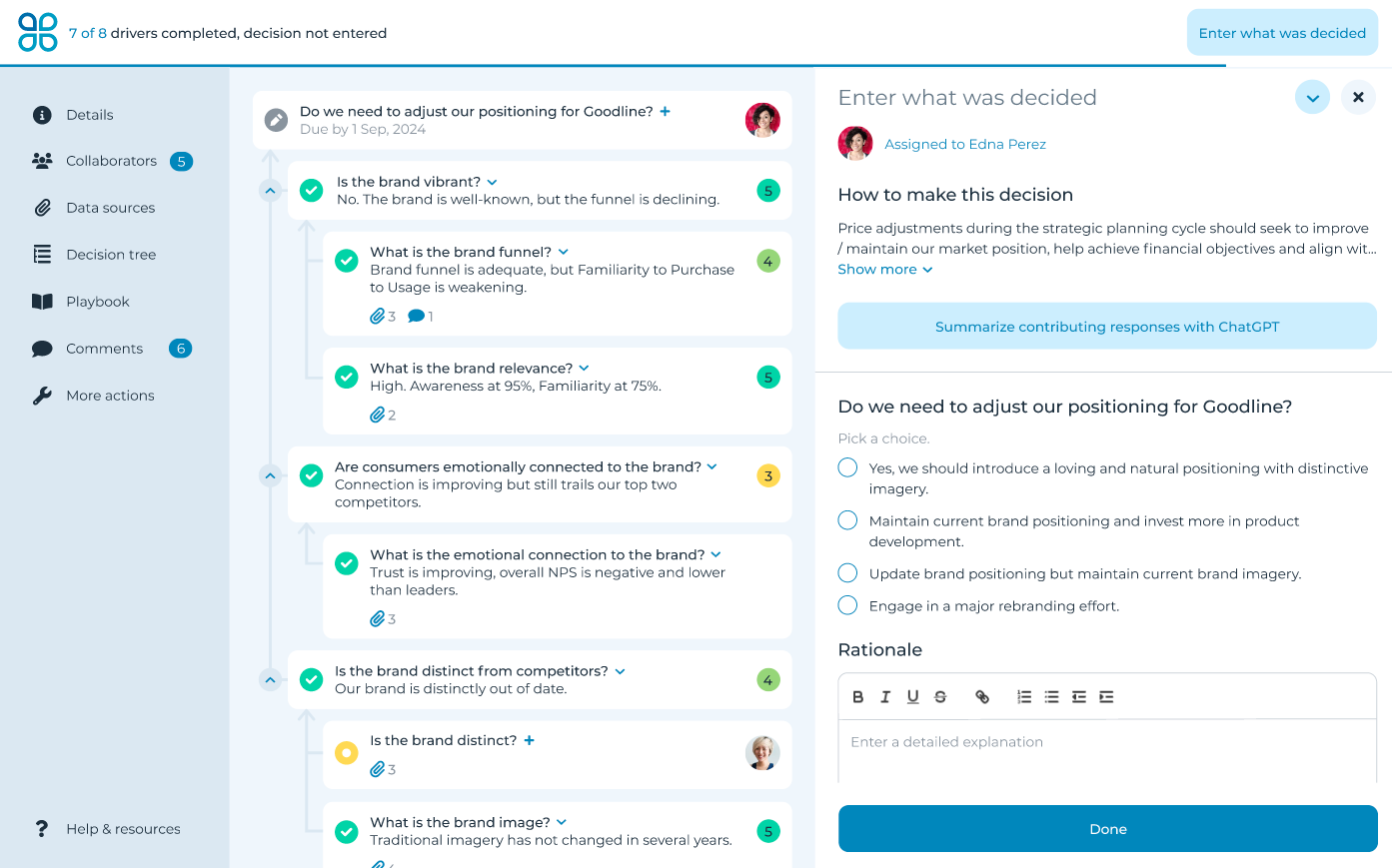
The playbook notes for ‘How to make this decision’ are visible when entering a decision or recommendation.
Tree & structure
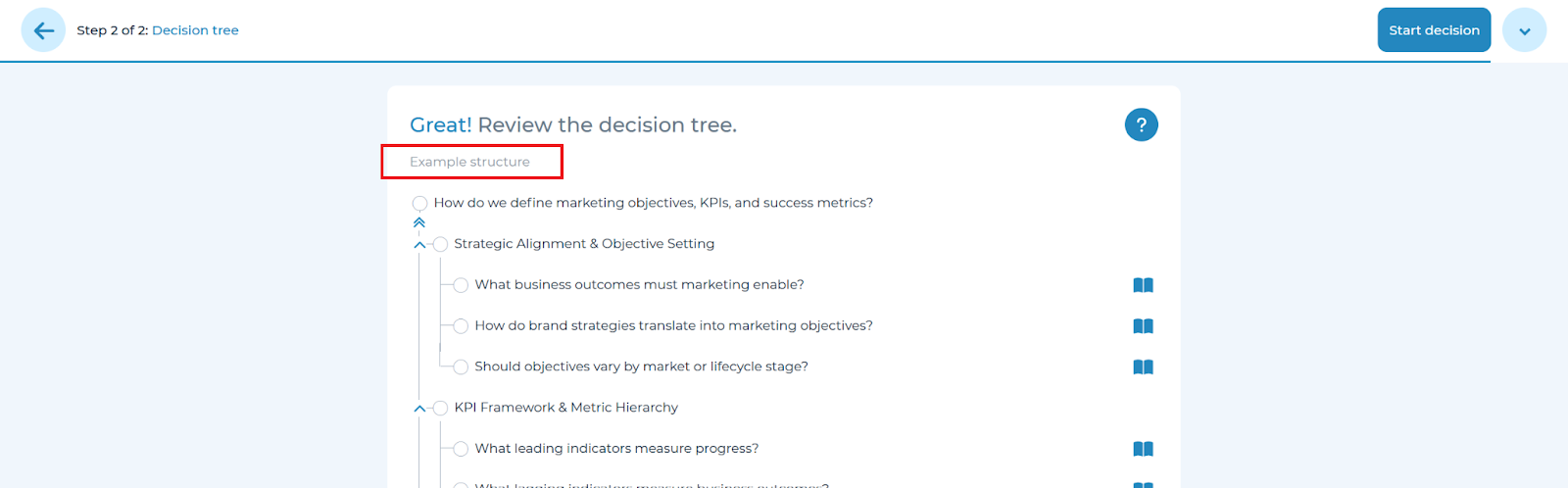
The playbook notes for ‘Tree & structure’ are visible when creating a decision tree within the first step of the collaborate module.
Who should be involved
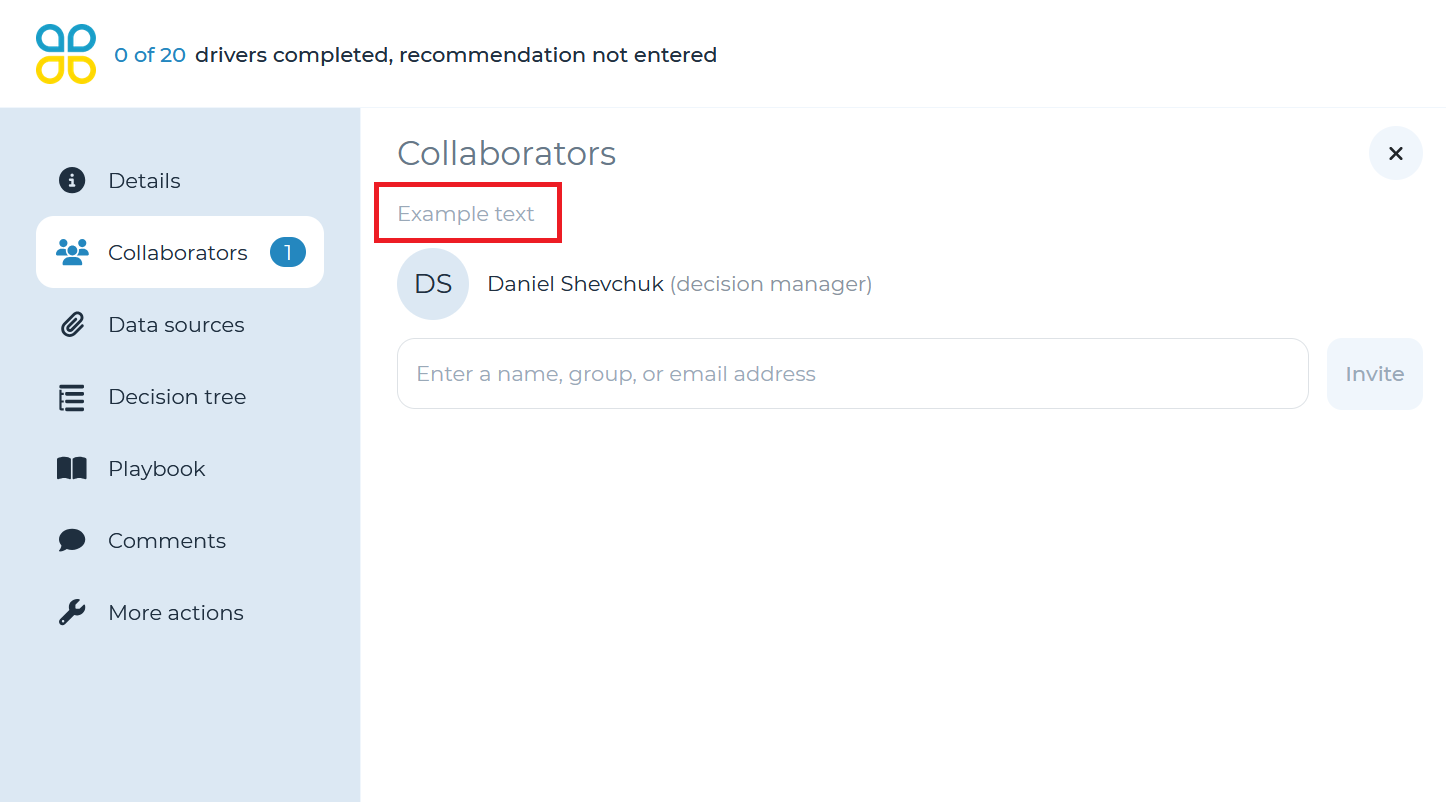
The playbook notes for ‘Who should be involved’ are visible when adding collaborators in the ‘Collaborators’ pull-out panel.
Data sources
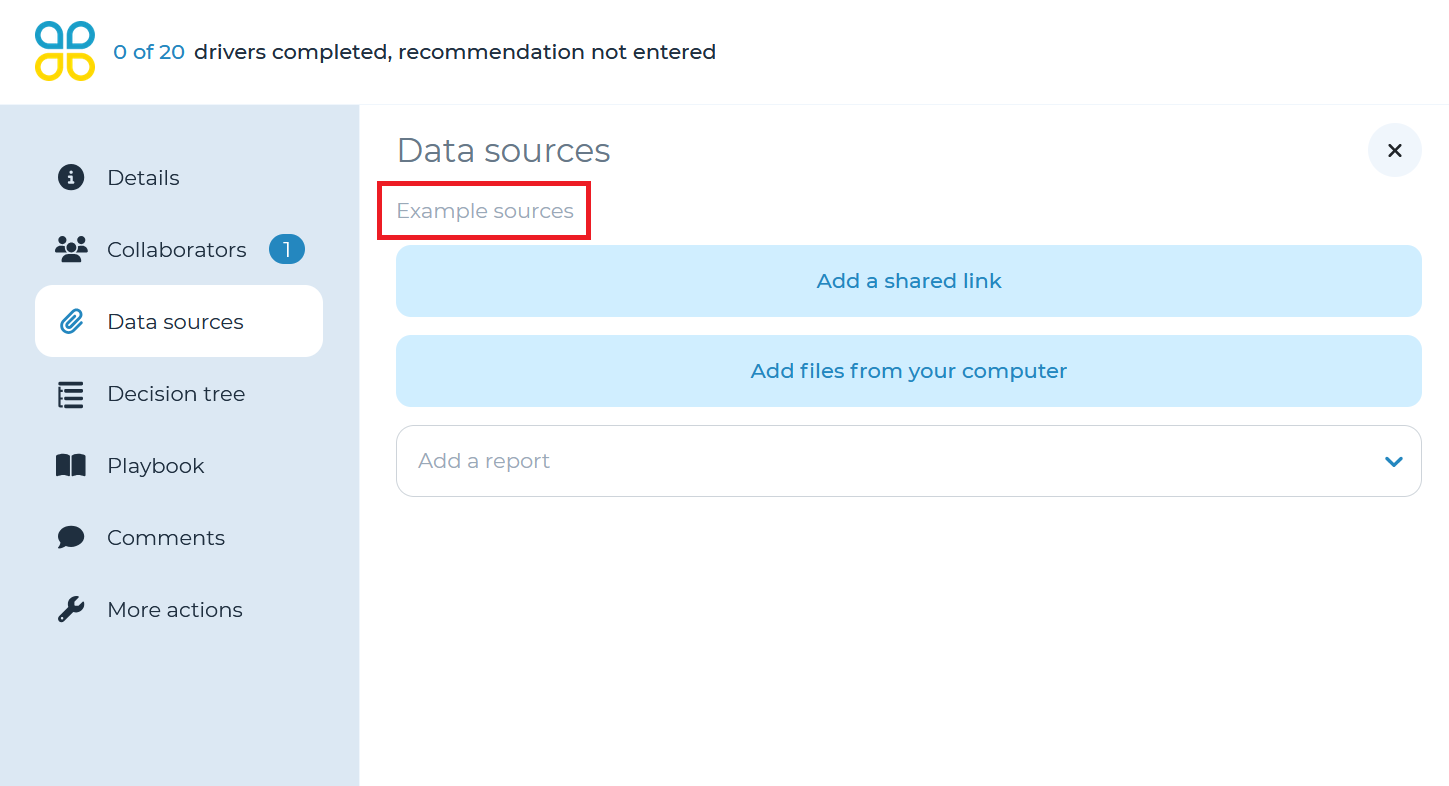
The playbook notes for ‘Data sources’ are visible when adding shared links or files in the details section of the collaborate module.
Other notes
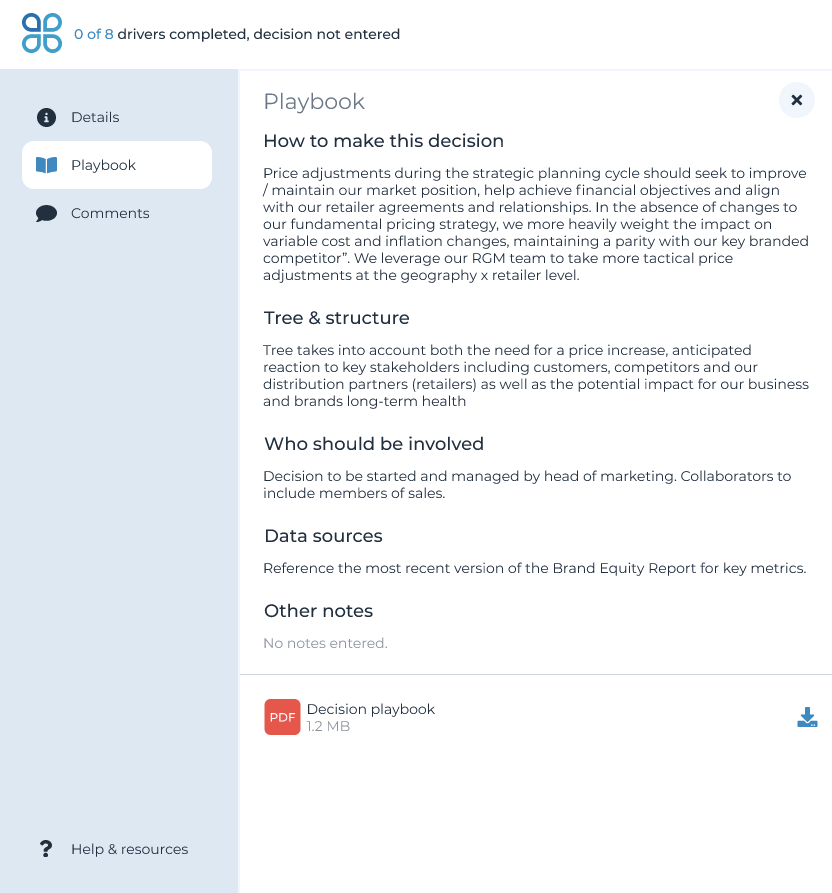
The playbook notes for ‘Other notes’ are visible when referencing the playbook within the collaborate module.
Refer to the ‘Creating a decision flow’ section of the user manual for more details on how to use playbooks to guide team members on submitting decisions.