
This page is for those who have been assigned a decision driver in Cloverpop, but do not have an account. If you have gotten an email that a person in your organization has assigned you a driver, you will need to go into the platform and complete the task.
In the email, click on the Decision Title link in the email to be directed to the platform.
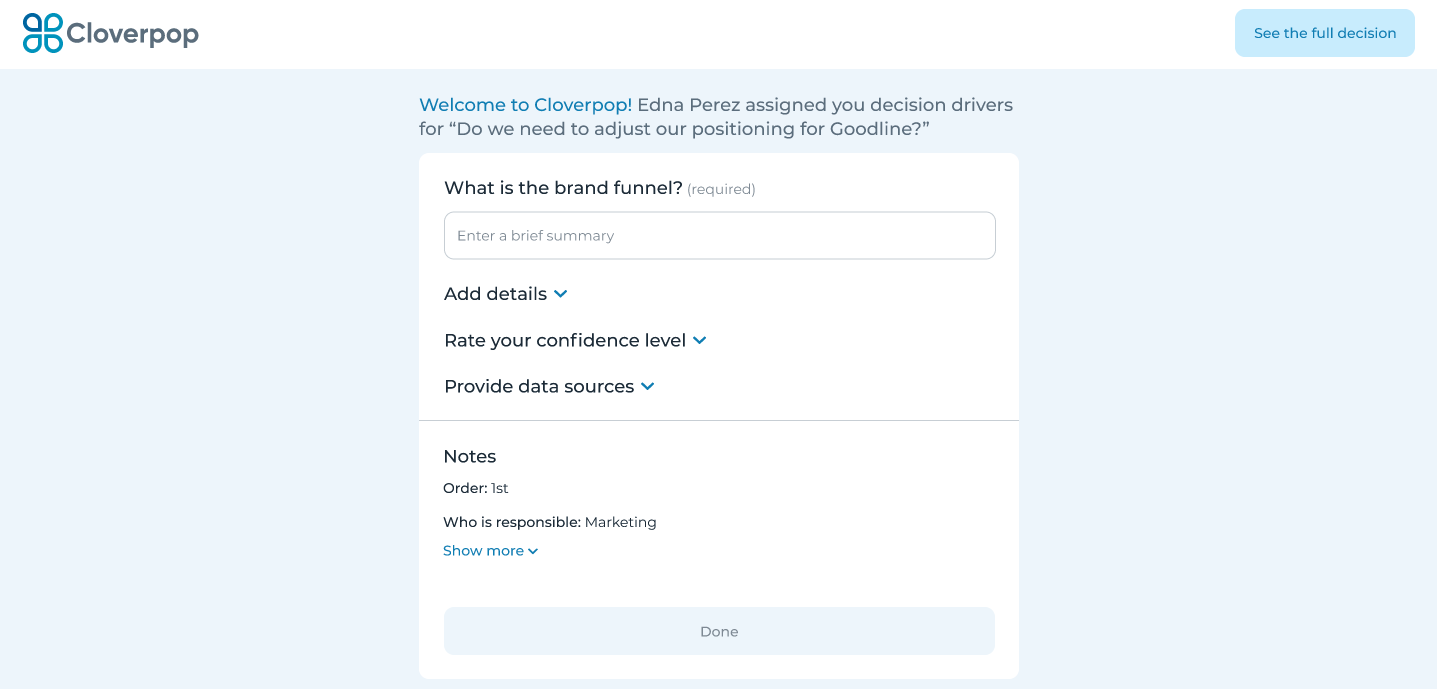
On the screen, please enter your input into the question. You can add details, rate your confidence (1-5 scale) and provide data sources.
In data sources, you are able to add a link (e.g., to Google Drive or Sharepoint) or upload documents up to 100 MB in size. Once you have uploaded a decision flow Data Source it can be leveraged across all decisions within the flow by selecting it in the data source drop down.
Once you have completed your input, click ‘Done’ at the bottom of the page. Your response has been added to the decision.