
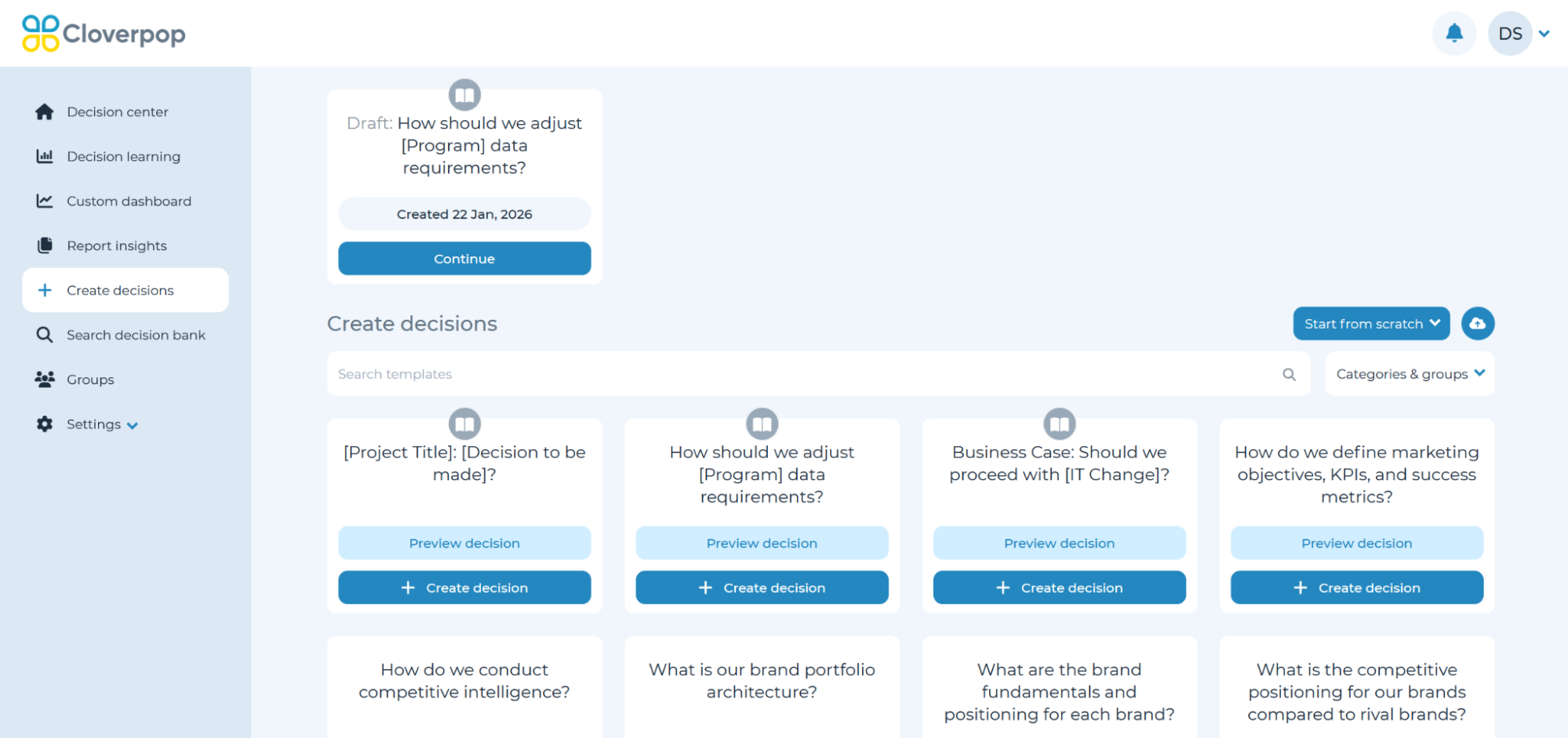
If you started a decision, but did not finish it will appear with a draft tag at the top of the ‘Create decision’ page.
Click ‘Continue’ to be taken to the setup wizard and continue setting up your decision / recommendation.
If the decision is no longer needed, still click ‘Continue’ to view the setup wizard. Then, click the down arrow symbol in the top right corner and click ‘Delete decision’.