
Click ‘Data sources’ on the left-side navigation panel to access the Data sources input area.
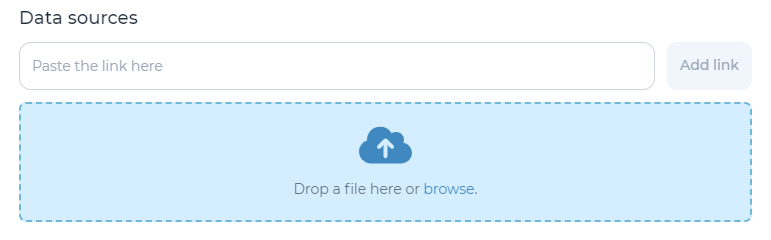
Add a link (e.g., to Google Drive or Sharepoint) or upload documents up to 100 MB in size within the ‘Data sources’ section of the decision flow. Once you have uploaded a decision flow Data Source it can be leveraged across all decisions within the flow by selecting it in the data source drop down.
Note: After they have been added to a decision flow, these data sources will be available to be added to any driver or decision within the decision flow.
Refer to the Manage data sources portion of the user manual for more information on how to link or upload data sources at the decision or decision driver level.